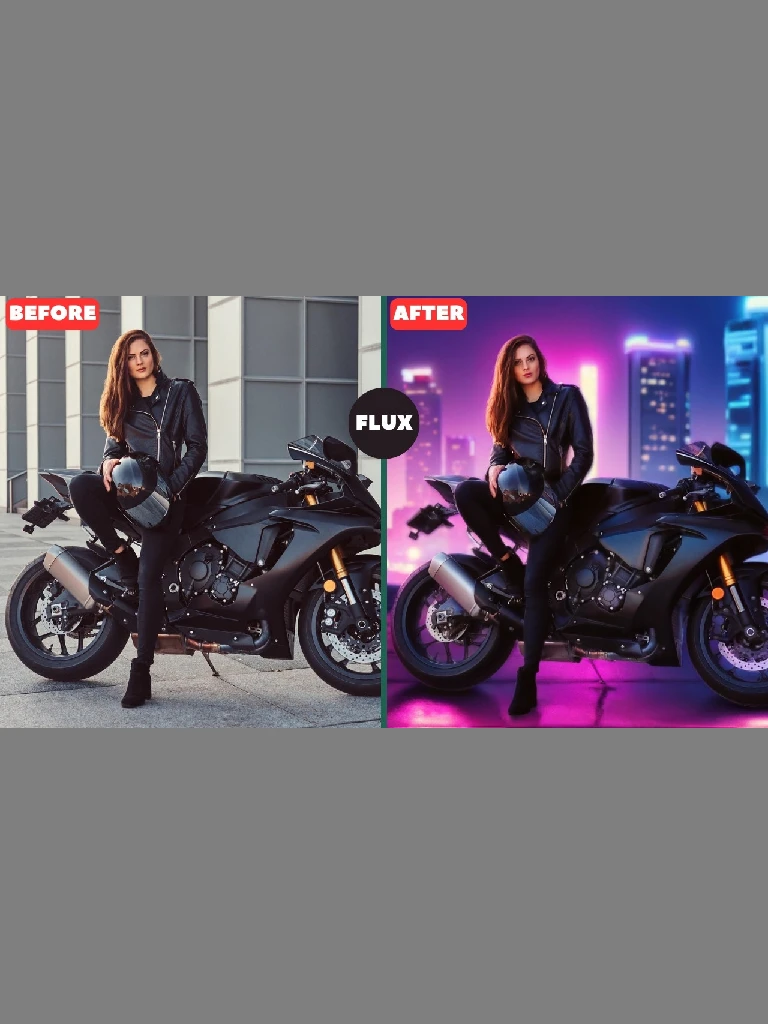
Important: All versions of V1, V2 and V3 can be downloaded by clicking the buttons on the right. From top to bottom are V3, V2, V1.
If your project requires relighting capabilities, please use Flux Background Replacer V2, as Flux Background Replacer V3 does not include this feature. Below is a detailed comparison to help you understand the key differences between the two workflows:
Key Differences Between ‘Flux Background Replacer V2’ and ‘Flux Background Replacer V3’:
Node Count and Complexity: Flux Background Replacer V2: A highly complex workflow featuring over 108 nodes, ideal for scenarios where precise image manipulation and blending are essential. Flux Background Replacer V3: With a more streamlined design, V3 contains 80 nodes, providing a simpler and more efficient workflow without compromising on quality.
ControlNet Model and Edge Handling: Flux Background Replacer V2: Utilizes the ControlNet Canny model from Xlabs, which is specifically designed for advanced edge detection and outline preservation. This, combined with its relighting function, allows for photorealistic integration of subjects into the new background. Flux Background Replacer V3: Uses the ControlNet Depth model and Upscaler model from Jasper AI, optimized to control edges and outlines without the need for additional specialized nodes. This makes it easy to use the ‘Apply ControlNet’ node, saving time and simplifying setup.